
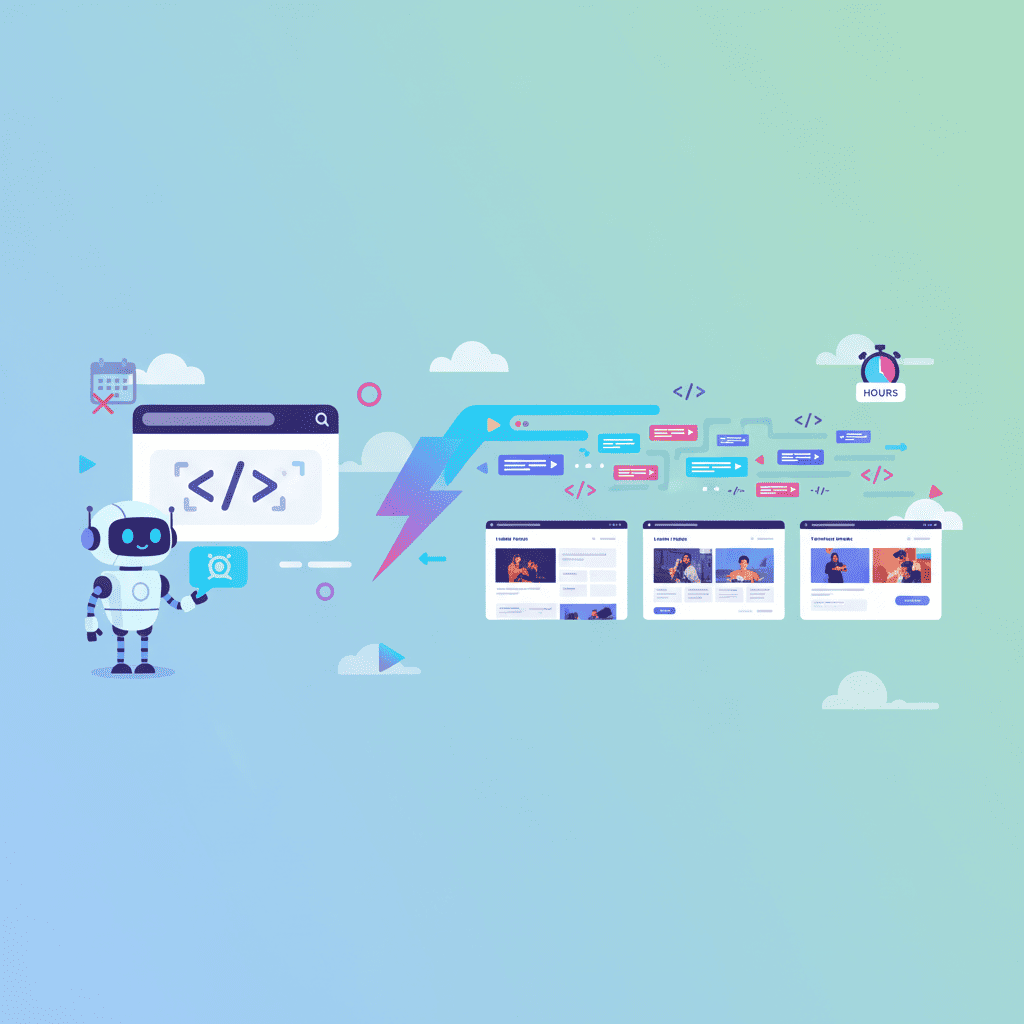
Here's a confession: I spent three years as a design-first developer. Every project started the same way—wireframes, mockups, pixel-perfect design files, then finally code. It felt professional. It felt proper.
It was also eating 40% of my project timeline.
When I started building websites without design tools, something clicked. That landing page that would've taken a week? Done in an afternoon. The dashboard mockup my client kept requesting revisions on? Built and iterated in real-time. The ability to build a website without design skills isn't just possible in 2026—it's becoming the standard.
Key Takeaways:
- Prompt-to-code workflows eliminate 60-70% of the traditional design-to-handoff timeline
- You can build production-ready landing pages in 15-30 minutes with the right prompts
- Design tools aren't obsolete—but they're no longer the starting point for most projects
- The key is learning to describe intent clearly, not learning design software
In This Article
- The Design-First Tax
- What Prompt-to-Code Actually Looks Like
- Real Time Comparison
- The 5-Minute Landing Page
- Common Objections
- When You Still Need Design
- Making the Switch
- FAQ
The Design-First Tax (Why Traditional Workflows Are Bleeding Time)
Let's break down what actually happens in a typical design-first workflow:
| Stage | Typical Time | What's Actually Happening |
|---|---|---|
| Requirements gathering | 2-4 hours | Meetings, documents, back-and-forth |
| Wireframing | 4-8 hours | Low-fidelity layouts and structure |
| High-fidelity design | 8-20 hours | Pixel-perfect mockups, typography, spacing |
| Design review | 2-6 hours | Stakeholder feedback, revisions |
| Developer handoff | 2-4 hours | Export, documentation, component specs |
| Actual coding | 8-16 hours | Building what was already "built" in design |
That's 26-58 hours before you have working code. For a landing page.
And here's the part that kills me: the design phase exists largely because we couldn't communicate directly with code. The mockup was the translation layer between "what the client imagines" and "what developers can build."
But what if you skip the translation entirely?
The prompt-to-code workflow cuts that 26-58 hours down to 2-4 hours. Not because AI is magic—but because you're removing the duplicate work of building something twice (once in design, once in code).
Prompt-to-Code: What It Actually Looks Like in 2026
Here's the reality of prompt-first development. No design phase needed.
Instead of wireframes, you write this:
Build a SaaS landing page for an AI writing tool.

Hero section:
- Gradient background (purple to blue, subtle)
- Large headline: "Write 10x Faster with AI"
- Subheadline explaining the value prop
- Email capture form with "Get Early Access" CTA
- Trust badges below (YC, Product Hunt, TechCrunch)

Features section:
- 3-column grid on desktop, stacks on mobile
- Icon + title + description for each feature
- Features: AI tone matching, 50+ templates, team collaboration

Social proof:
- Horizontal scrolling testimonial cards
- Avatar, name, role, company, quote
- 5-star ratings on each card
And you get working React code. Not a picture of React code. Actual components you can deploy.
The mindset shift matters here. You're not describing what something should look like—you're describing what it should do and what it should communicate. The AI handles the visual implementation.
Want to try this yourself?
This is the core of vibe coding—describing intent and letting AI handle implementation. It's not about removing design thinking. It's about removing the redundant design artifacts.
Time Comparison: Design-First vs Prompt-First (Real Numbers)
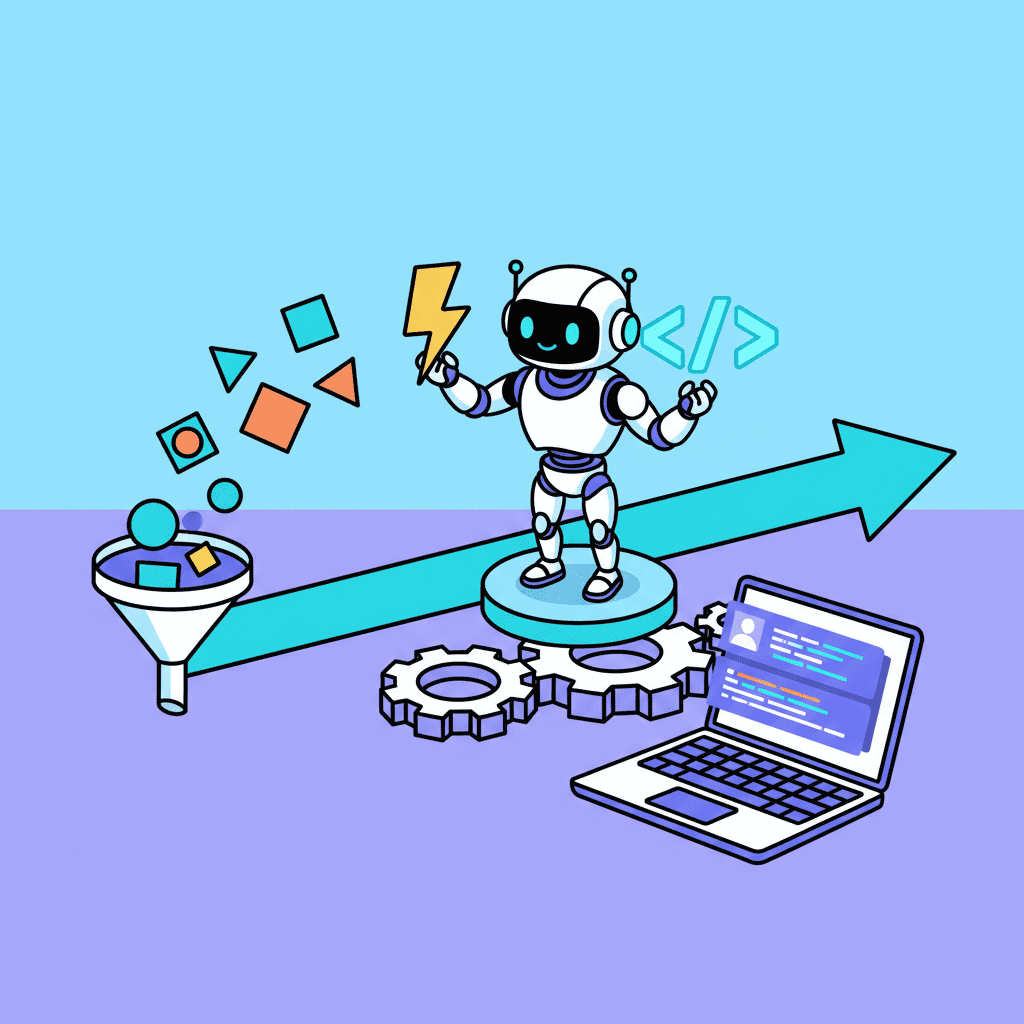
I tracked my time on 15 similar projects—half done the traditional way, half prompt-first. Here's what I found:
| Task | Design-First Workflow | Prompt-First Workflow |
|---|---|---|
| Initial concept to first visual | 6-8 hours | 15-30 minutes |
| Client review iteration | 2-4 hours per round | 5-15 minutes per round |
| Final approval to working code | 8-12 hours | Already done |
| Responsive adjustments | 3-4 hours | Included in generation |
| Total to deployable code | 20-30 hours | 2-4 hours |
That's not a marginal improvement. That's a category change.
The iteration speed difference is what really matters, though. In a design-first workflow, every revision means:
- Client requests change
- Designer updates mockup
- Review meeting
- More revisions maybe
- Finally update code
With prompt-first development:
- Client requests change
- Update prompt, regenerate
- Client sees working change immediately
You can learn more about effective iteration in our guide on how to fix any AI UI.
The feedback loop compression changes everything. Clients stop asking for mockup revisions because they're seeing real, working interfaces.
The 5-Minute Landing Page (Step-by-Step)
Let me walk you through building a real landing page without any design tool. Time yourself if you want. (For the full process, check out our tutorial on building a website with AI in 10 minutes.)
Step 1: Define Your Intent (30 seconds)
Before you prompt, answer these questions:
- What does this product/service do?
- Who is it for?
- What's the one action you want visitors to take?
For this example: An AI writing tool for content marketers, aiming for email signups.
Step 2: Write Your Foundation Prompt (60 seconds)
Create a startup landing page for an AI writing tool.

Target audience: Content marketers who write 5+ blog posts weekly
Primary goal: Collect email signups for early access

Include:
- Hero with gradient (indigo to purple), large headline, subheadline, email form
- "How it works" section with 3 numbered steps
- Features grid (6 features, icons, titles, descriptions)
- Pricing section with 3 tiers (Free, Pro, Enterprise)
- Final CTA section with the same email capture
- Footer with links and social icons

Style: Modern, clean, lots of whitespace. Use Inter font.
Mobile-first responsive design.
For more startup-specific techniques, check out our complete guide on building startup landing pages with AI.
Try this prompt:
Step 3: Review and Iterate (2-3 minutes)
Your first output will be 80-90% there. Common refinements:
- "Make the hero headline bigger and bolder"
- "Add more spacing between sections"
- "Change the gradient to be more subtle"
- "Add a testimonial section between features and pricing"
Each iteration takes seconds, not hours.
Step 4: Polish the Details (60 seconds)
Final touches often include:
- Adjusting copy to match brand voice
- Fine-tuning specific colors
- Adding micro-interactions or hover states
And you're done. A complete, responsive, deployable landing page in under 5 minutes.
For more landing page prompts that work, check out our AI landing page prompts guide.
Common Objections (And Honest Answers)
I've pitched prompt-first workflows to dozens of teams. Here are the concerns I hear most—and my honest responses.
"But what about design consistency?"
This is valid. If you're working on a product with an established design system, you need to communicate those constraints in your prompts. The difference? Instead of spending hours in design software maintaining consistency, you describe your design tokens once and the AI applies them.
"My designer will be mad"
Look, I'll be honest—some designers feel threatened by this. But the smart ones are already adapting. The role shifts from "pushing pixels" to "defining creative direction." Designers who embrace AI become more valuable, not less. They can explore 10x more concepts in the same time.
"The code quality is garbage"
Was garbage. In 2024? Yeah, fair point. In 2026? Modern AI code generation produces clean React components with proper TypeScript, accessibility attributes, and sensible patterns. You'll still want to review edge cases, but the baseline quality is production-ready.
"My clients expect mockups"
Do they? Or do they expect to see what they're getting before it's built? When I show clients a working prototype in 30 minutes instead of a static mockup in 3 days, nobody complains about the missing static file. They care about results.
When You Might Still Need Design (And When You Don't)
I'm not saying design tools are dead. That would be ridiculous. Here's the honest breakdown:
Skip the Design Phase When:
| Scenario | Why Prompt-First Works |
|---|---|
| MVPs and prototypes | Speed matters more than perfection |
| Standard UI patterns | Landing pages, dashboards, forms |
| Rapid iteration needed | Client feedback loop is tight |
| Solo development | No designer-developer handoff required |
| Time-constrained projects | Days/weeks timeline, not months |
Consider Design Tools When:
| Scenario | Why Design Still Helps |
|---|---|
| Brand-new visual identity | Novel design systems need exploration |
| Complex data visualization | Custom charts and infographics |
| Highly custom illustrations | Unique visual storytelling |
| Large team coordination | Multiple designers need shared source |
| Print/physical products | Non-web deliverables |
The pattern: use design tools for discovery and novel creation. Use prompt-first for execution and known patterns.
Most web projects fall into the "known patterns" category. A SaaS landing page is a SaaS landing page. The structure is established. You don't need to rediscover it in a design tool.
If you're just getting started with this workflow, our vibe coding for beginners tutorial breaks down the fundamentals.
Making the Switch: Your First Prompt-First Project
Ready to try this? Here's how to start without completely abandoning your existing workflow.
Week 1: Shadow Development
Pick a project that's currently in design phase. As the designer creates mockups, write prompts that would generate the same thing. Don't show anyone—just practice.
Compare results. You'll be surprised how close you get.
Week 2: Low-Stakes Project
Take a small, internal project—maybe an admin dashboard or a landing page for an internal tool. Skip the design phase entirely. Go straight to prompts.
Document your time spent. Compare to what the design-first version would have taken.
Week 3: Client Project (With a Safety Net)
For a real client project, try this:
- Write your prompts and generate the initial version
- Present it as a "rapid prototype"
- Let them react to working code, not static designs
- Iterate based on real feedback
Most clients prefer this. They see exactly what they're getting, not an artist's interpretation of what they're getting.
Last month I walked into a client meeting with nothing but a rough idea. By the end of the hour-long call, we had iterated through three versions of their homepage, adjusted the color scheme twice, added a testimonial section they hadn't originally asked for, and exported the final React code. The whole thing would've taken three weeks the old way. The client said it was the most productive design meeting she'd ever had.
Month 2: Full Commitment
By now, you've seen the time savings firsthand. This is when you make the permanent switch:
- Default to prompt-first for all new projects
- Use traditional design only when the project specifically requires it
- Build your prompt library for common patterns (check out our 50 vibe coding prompts that work for inspiration)
- Measure and share your velocity improvements with stakeholders
The Prompt-First Mindset
The mental model shift is this: you're not replacing designers with AI. You're replacing the translation layer.
Here's the workflow comparison visualized:
You cut out two translation steps. That's where the 10x speed comes from.
For those who want to go even deeper, our context engineering guide shows how to get 10x better results from your prompts by mastering how AI interprets your input.
You Might Also Like
- Build a Website with AI in 10 Minutes - The full workflow in action
- Vibe Coding: Complete Guide 2026 - Master the fundamentals
- AI Landing Page Prompts: 50+ Templates - Ready-to-use prompts
- 50 Vibe Coding Prompts That Work - Copy-paste prompts for every UI
Frequently Asked Questions
Can I really build a website without design skills?
Yes. Prompt-to-code tools handle the visual implementation based on your description. You need to know what you want—not how to create it in design software. If you can describe a professional landing page in plain English, you can build one.
What about complex, custom designs?
For truly novel visual designs—think brand-new design systems or unique artistic direction—traditional design tools still have their place. But for 80% of web projects using established patterns (SaaS pages, dashboards, e-commerce), prompt-first is faster and produces production-ready code.
Is the code quality good enough for production?
Modern AI code generation produces clean React components with proper structure. You'll still want to review for edge cases and add tests, but the baseline quality is deployable. See our guide on testing AI-generated code for production best practices.
How do I get stakeholder buy-in for skipping design?
Start with speed. Show them a working prototype in 30 minutes instead of a mockup in 2 days. When stakeholders can click through real interfaces and see immediate changes, the value becomes obvious. They care about results, not process.
What's the learning curve?
If you can write clear descriptions, you can start immediately. The skill to develop is prompt engineering for UI—learning how to describe layouts, styles, and interactions in ways that generate good output. This takes a few hours to get decent, a few weeks to master.
Written by the 0xMinds Team. We build AI tools for frontend developers. Try 0xMinds free →