

So you're looking for an AI UI generator online. You've probably already Googled it, seen a dozen listicles that all recommend the same five tools, and walked away more confused than when you started.
Here's the thing nobody tells you: the "best" AI UI generator doesn't exist. What exists is the right tool for YOUR specific workflow—and picking wrong will cost you weeks of frustration.
I've spent the last six months testing every AI UI generator I could find. Built dashboards, landing pages, admin panels, the whole nine yards. And honestly? Most of the advice out there is garbage. People recommend tools they've never actually shipped anything with.
Key Takeaways:
- The right AI UI generator depends on your workflow, not marketing hype
- Prompt quality matters more than which tool you pick
- Code output quality separates toys from tools you can actually ship
- Know if you need UI-only or full-stack before you start
In This Article
- The 5 Criteria That Actually Matter
- Design-First vs Prompt-First: Pick Your Path
- Match Your Workflow to the Right Tool
- Red Flags: When to Walk Away
- Quick Decision Framework
- Next Steps: Start Building Today
- FAQ
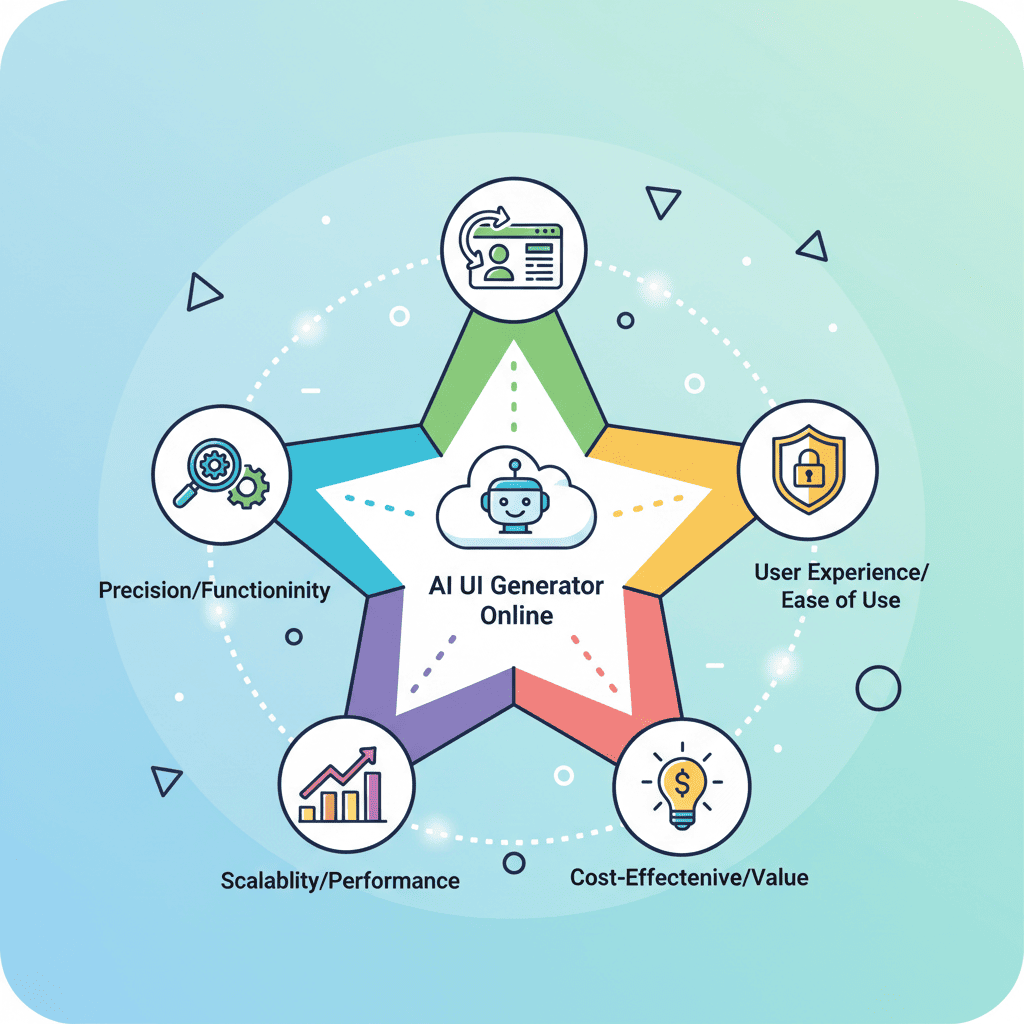
The 5 Criteria That Actually Matter
Forget feature lists. Forget pricing tables. When you're evaluating any AI UI generator online, these five things will determine whether you ship or struggle.

Criterion 1: Prompt Quality → Output Quality
This is the hill I'll die on: the quality of your prompts matters more than which tool you use.
I've seen developers with great tools produce garbage because their prompts were vague. And I've seen people with mediocre tools ship beautiful UIs because they understood prompt engineering for UI.
When evaluating a tool, ask yourself:
- Does it handle detailed prompts well, or does it get confused?
- Can it follow specific design constraints (colors, spacing, typography)?
- Does it understand context from previous generations?
Here's a quick test: Try a complex prompt with specific requirements. Something like:
A SaaS pricing page with three tiers (Starter, Pro, Enterprise),
annual/monthly toggle, feature comparison checkmarks,
most popular badge on Pro tier, dark gradient background,
and a subtle glass morphism effect on the cards.
If the tool nails 80%+ of those requirements on the first try, you've got something worth exploring. If it ignores half your specifications? Move on.
Want to try this yourself?
Criterion 2: Code Export & Framework Support
Pretty mockups are nice. But you can't ship a screenshot.
The AI UI generator you pick needs to export code you can actually use. And "code" means different things to different developers:
| What You Need | What to Look For |
|---|---|
| React components | JSX/TSX export with proper component structure |
| Plain HTML | Clean semantic HTML (not div soup) |
| Tailwind CSS | Utility classes, not inline styles everywhere |
| CSS Modules | Scoped styles that don't leak |
| Design tokens | Support for your existing design system |
Here's what separates the good from the garbage: maintainability.
Can you read the generated code six months later? Are the component names sensible? Is the CSS organized or is it 500 lines of random utilities?
I've thrown away perfectly good UIs because the code was such a nightmare to maintain. Don't make my mistakes—test the code quality before you commit.
Criterion 3: Iteration Workflow (Can You Fix What It Generates?)
Let me tell you something nobody mentions in those shiny product demos: AI rarely gets it right on the first try.
The real question isn't "does it generate good UI?" The real question is "when it generates something wrong, how painful is it to fix?"
Look for these iteration capabilities:
- Targeted edits: Can you say "make the button bigger" without regenerating everything?
- Undo/history: Can you go back if a change made things worse?
- Conversation memory: Does it remember what you built, or do you start fresh every prompt?
This is where a lot of tools fall flat. They're great at generating initial UI, but the moment you need to tweak something, you're stuck regenerating from scratch.
If you want to see what a good iteration workflow looks like, check out our guide on fixing AI-generated code errors. The principles apply whether you're fixing bugs or refining designs.
Criterion 4: UI-Only vs Full-Stack (Know What You Need)
This is where I see people mess up constantly. They pick a full-stack AI tool when they just need UI components. Or they pick a UI-only tool and get frustrated when it can't handle their database schema.
Here's the honest breakdown:
| Need | Tool Type | Example Use Case |
|---|---|---|
| Landing pages, marketing sites | UI-only | "Build me a hero section for my SaaS" |
| Dashboards, admin panels | UI-only (usually) | "Create an analytics dashboard layout" |
| Auth flows, data CRUD | Full-stack | "User login with email verification" |
| API integrations | Full-stack | "Connect to Stripe and show subscription status" |
My hot take: Most people overestimate how much full-stack capability they need. If you're building frontend components—React, landing pages, dashboards—a dedicated UI generator will almost always produce cleaner output than a full-stack tool trying to do everything.
Full-stack tools are jacks of all trades. That's great when you need backend logic. It's often worse when you just want beautiful, maintainable frontend code.
Criterion 5: Learning Curve vs Power
There's always a trade-off between "easy to start" and "powerful enough for real work."
Some tools let you generate a landing page in 30 seconds with zero learning curve. Amazing for quick prototypes. Terrible when you need precise control.
Other tools have steep learning curves but give you surgical precision over every pixel. Great for production work. Overkill for a quick mockup.
Be honest about where you are:
- Beginners: Start with simpler tools. Learn vibe coding fundamentals first, or jump straight into building your first app.
- Intermediate: You can handle more complex tools. Focus on code quality.
- Advanced: You want maximum control. Prompt engineering skills matter most.
Design-First vs Prompt-First: Pick Your Path
Here's where things get interesting. There are fundamentally two approaches to building UI with AI, and picking the wrong one will slow you down massively.
The Design-First Approach
You create mockups in design tools, then convert them to code. The workflow looks like this:
- Design in your tool of choice
- Export or convert to code
- Fix what the conversion broke
- Repeat for every change
When this makes sense: You're working with a design team, you have existing brand guidelines in a design file, or you're iterating on pixel-perfect visuals.
The catch: Every design change requires re-conversion. The feedback loop is slow. And most design-to-code tools produce code that needs heavy cleanup.
The Prompt-First Approach
You describe what you want in plain language. The AI builds it. You iterate with more prompts.
- Describe your UI in detail
- Get working code immediately
- Refine with follow-up prompts
- Ship or export
When this makes sense: You're building from scratch, you want to move fast, or you're prototyping ideas without design overhead.
The advantage: No design tools required. The feedback loop is seconds, not hours. You're writing prompts, not pushing pixels.
If you're building startup landing pages or dashboards and you don't have existing designs, prompt-first is almost always faster. You can always polish later—but getting to "working UI" in minutes instead of hours changes everything.
Match Your Workflow to the Right Tool
Here's where I'm going to give you actual actionable advice instead of just listing criteria.
For Prompt-Heavy Workflows
You describe what you want in natural language. The AI builds it. You iterate with more prompts.
This is what we call vibe coding—and it's transforming how developers build UIs.
If this is you, prioritize:
- Prompt understanding and complex instruction handling
- Fast iteration cycles
- Clean React/Tailwind output
- Good conversation memory
What to try: Take five prompts that actually work and test them in whatever tool you're evaluating. Compare the outputs.
For Design-Import Workflows
You have mockups. You need them converted to code. You want pixel-perfect accuracy.
If this is you, prioritize:
- Design import capabilities
- Accurate visual reproduction
- Design token extraction
- Component library generation
Fair warning: Design-to-code tools are a separate category with their own trade-offs. The criteria above still apply, but you're evaluating different capabilities.
For Full-Stack Builds
You need UI AND backend logic. Auth, databases, APIs, the whole stack.
If this is you, prioritize:
- Backend integration capabilities
- Deployment options
- Database support
- API generation
But here's my honest advice: Consider splitting the work. Use a specialized UI generator for frontend, a dedicated backend tool for backend. The "do everything" tools rarely do anything exceptionally well.
Want to test a prompt-first workflow?
Red Flags: When to Walk Away
I've wasted weeks on tools that looked promising but turned out to be traps. Here's what I've learned to watch for:
1. "Magic" marketing with zero code samples
If they won't show you the generated code, there's usually a reason. Ask for samples before you commit.
2. No iteration capability
Generate → regenerate → regenerate is not a workflow. It's torture.
3. Proprietary export formats
If you can't export clean, standard code (React, HTML, CSS), you're building on quicksand. What happens when the tool shuts down?
4. No framework flexibility
Locked into their framework? That's a problem. Your needs will evolve.
5. Pricing that punishes iteration
AI UI generation requires iteration. If every generation costs money, you'll either go broke or ship bad work.
Quick Decision Framework
Still not sure? Run through this:
| Question | Your Answer | Recommendation |
|---|---|---|
| Do I need backend logic? | Yes → Full-stack tool | No → UI-only tool |
| Do I have existing designs? | Yes → Design-import tool | No → Prompt-first tool |
| Is this for production? | Yes → Prioritize code quality | No → Speed matters more |
| How specific are my designs? | Very → Need high control | Flexible → Simpler tools work |
| What's my experience level? | Beginner → Start simple | Advanced → Maximum control |
| Will I iterate heavily? | Yes → Iteration UX is critical | No → Initial output matters more |
Answer these honestly, and you'll narrow down your options fast.
The Real Secret Nobody Talks About
Here's what six months of testing taught me: Your prompting skill matters more than which tool you pick.
A developer who understands how to write detailed, specific prompts will outperform someone with the "best" tool but vague prompts every single time.
The 73% of designers who say AI will have the biggest impact in 2026? They're not talking about any specific tool. They're talking about the skill of collaborating with AI effectively.
So whatever AI UI generator online you pick, invest time in learning how to prompt it well. The tool is just a vehicle. Your prompts are the driver.
Next Steps: Start Building Today
Don't spend another week researching tools. Here's what to do right now:
- Pick one prompt-first tool and test it with a real project prompt (not a toy example)
- Run the pricing page test from Criterion 1 above—if it fails, move on
- Check the code output—can you actually use it, or is it spaghetti?
- Time your iteration cycle—how long from "I want to change X" to "X is changed"?
If you're a beginner, start with our first app tutorial—you'll learn the fundamentals while building something real.
If you want to build a landing page fast, check out the startup landing page guide—it'll show you the exact prompt workflow that works.
The best time to start vibe coding was yesterday. The second best time is now.
You Might Also Like
- Prompt Engineering for UI: 7 Parts Every Good Prompt Needs - Master the skill that matters most
- 50 Vibe Coding Prompts That Actually Work - Ready-to-use prompts for any project
- Fix AI-Generated Code Errors (Actually Works) - When things go wrong (they will)
Frequently Asked Questions
How do I choose an AI UI generator?
Focus on five things: prompt handling quality, code export format, iteration workflow, whether you need UI-only or full-stack, and the learning curve vs power trade-off. Test with real prompts before committing—marketing demos lie.
What should I look for in an AI UI tool?
Look for clean code output (not spaghetti), the ability to make targeted edits without regenerating everything, support for your framework (React, Tailwind, etc.), and pricing that doesn't punish iteration. Avoid tools that won't show you code samples.
Can I build a website with AI prompts?
Absolutely. The workflow is called vibe coding—describe what you want in natural language, iterate until it's right, export clean code. Most landing pages can be built in under an hour once you learn the prompting patterns.
Which AI UI generator produces the cleanest code?
It depends on your framework. For React and Tailwind projects, look for tools specifically built for that stack rather than general-purpose generators. Test the actual code output—component structure, naming conventions, CSS organization—before committing.
Is prompt quality more important than the tool itself?
Yes. I've seen developers with basic tools outperform those with premium tools simply because they wrote better prompts. Learn prompt engineering for UI before shopping for tools. The skill transfers across any platform you use.
What's the difference between prompt-first and design-first workflows?
Prompt-first means you describe your UI in natural language and get code directly—no design tools required. Design-first means you create mockups, then convert them to code. Prompt-first is faster for most use cases, especially if you don't have existing designs.
Written by the 0xMinds Team. We build AI tools for frontend developers. Try 0xMinds free →